Updated August 20, 2026 · 1 video
SnitchFeed tutorials: learn social listening, one video at a time
A growing library of short, real-dashboard walkthroughs for SnitchFeed on Reddit, LinkedIn, X (Twitter), Bluesky, and Hacker News. Start with how to go from empty workspace to live mentions in one conversation with Snitch AI.
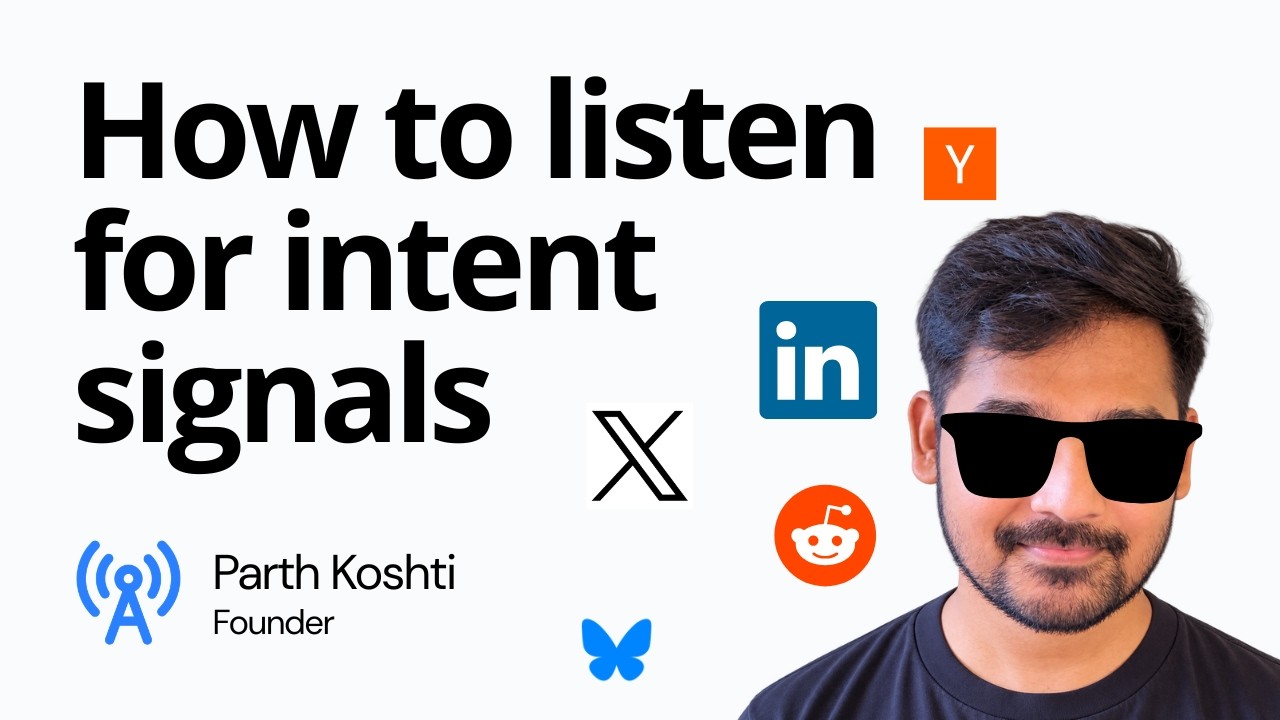
What you will learn
Each video is a single, focused workflow in the SnitchFeed dashboard, not a long onboarding course. We are recording new ones regularly; until a topic has a video, the docs below cover the same ground in writing.
Listeners
How a listener combines keywords, Tracked Profiles, platforms, and scan interval.
Intent and noisy signals
How to write intent and noisy signals so Fit Score ranks buying conversations above jobs and promos.
Alerts and routing
How mentions reach Slack, Discord, email, webhooks, MCP, or the in-app feed after AI scoring.
Related guides
After a video, these pages cover the same topics in writing and connect tutorials to the rest of the product.
- Create a listenerWritten setup: intent, noisy signals, keywords, and Tracked Profiles.Read
- Social listening use casesLeads, competitors, brand, launch, and presence: which job to point a listener at.Read
- SnitchFeed featuresFit Score, boolean search, alerts, reply drafts, webhooks, and MCP.Read
- Real-time alertsSlack, Discord, email, and webhook routing after a mention is scored.Read
- What is social listening?Category primer for SaaS and startup teams before you configure keywords.Read
- Pricing and creditsStarter, Pro, and how scan credits work on X, LinkedIn, and Hacker News.Read
SnitchFeed tutorial FAQ
Direct answers for people comparing video walkthroughs, docs, and a trial workspace.
Still stuck? Email hello@snitchfeed.com. Typical replies land in 1-4 hours.
What are SnitchFeed tutorials?
SnitchFeed tutorials are short product videos that show how the dashboard actually works, starting with how to set up your first listener. The library is growing to cover Fit Score, alert routing, and MCP. Built for founders and GTM teams who want social listening running in minutes, not a long onboarding course.
How do I set up social listening in SnitchFeed?
Create a free workspace, add Brand Context from your site, then create one listener per job (leads, competitors, or brand). Pick platforms, add keywords or Tracked Profiles, write intent and noisy-signal briefs, and choose where alerts go. Reddit and Bluesky ingest in real time. X, LinkedIn, and Hacker News scan on the interval you set. Written steps live in create a listener.
Are the tutorials free to watch?
Yes. Every video on this page is public. You do not need a SnitchFeed account to watch. A free 7-day trial (no credit card) is only needed if you want to follow along in a live workspace.
How long does it take to set up SnitchFeed?
Most teams create a first listener in a few minutes after signup. The Setup video on this hub runs a few minutes. Written docs cover the same flow if you prefer to read. See SnitchFeed docs for the full reference.
What platforms does SnitchFeed cover?
SnitchFeed monitors public posts on Reddit, LinkedIn, X (Twitter), Bluesky, and Hacker News. It does not cover private DMs or review-site monitoring. Video tutorials show these platforms inside listeners, feeds, and notifications as the library grows; the docs already cover every platform in writing.
Should I watch tutorials or read the docs?
Watch a tutorial when you want the UI walkthrough. Use docs when you need exact fields, credit costs, boolean syntax, or MCP/API setup. Most people watch the Setup video, then keep listener docs open while they configure intent and noisy signals.
Do I need a listener for every use case?
Usually yes. Lead generation, competitor monitoring, and brand monitoring use different keywords and intent briefs. One listener per job keeps each feed easier to act on. Route each listener to a different Slack channel. Start with the job on use cases that you will reply to this week.
Can I follow the tutorials in Claude, ChatGPT, or Cursor?
Yes. After you have a workspace, connect the SnitchFeed MCP server and ask the agent to create listeners or pull mentions. Video tutorials still help you see the dashboard. MCP setup is in MCP docs and on the MCP feature page.
Ready to try it yourself?
Open a free workspace and set up your first listener. No credit card. Follow the Setup videos as you go, or ask Snitch AI in the app.